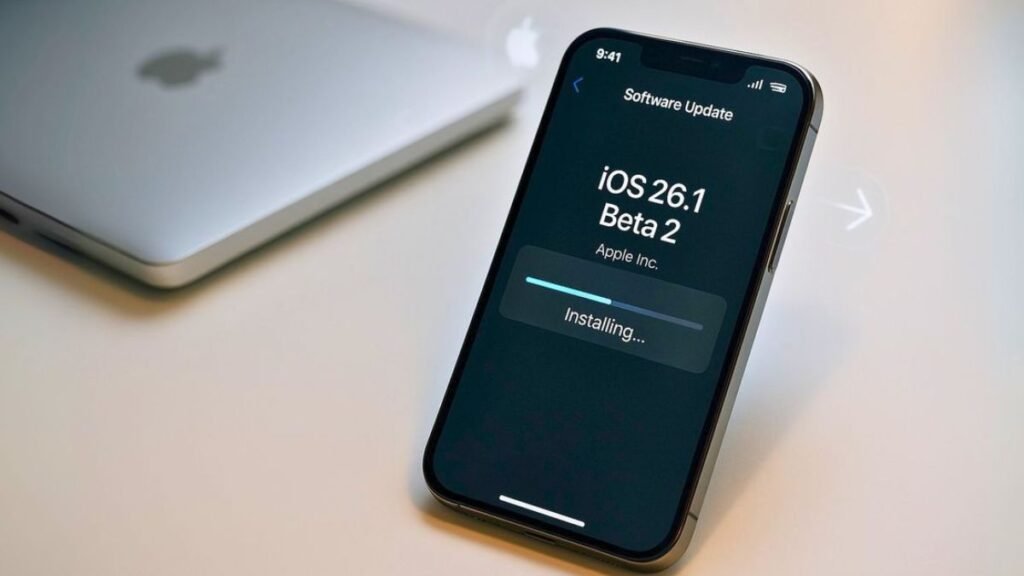
CALIFORNIA (Kashmir English): Apple has released the iOS 26.1 developer beta 2 update, which you can download and go through.
The updated version is available with a few small alterations that do not compare to announcing Liquid Glass or something similar.
Here is a summary of its features and how to download it.
The most recent beta version of iOS 26.1 is presently available only to developers. Apple, however, has a free option for its developer program through which anyone can sign up and use these beta versions.
You can sign up for it without paying any type of fee on Apple’s official website. After that, visit the Apple developer site and log in, and then enroll your device in the beta program.
From there, back up your device and then proceed as follows:
- Navigate to Settings > General > Software Update > Beta Updates
- Select the iOS 26 Developer Beta
- Navigate to the previous screen and tap on Download and Install
- After which, you should be set. Just sit back and wait for it to install.
What’s new in the iOS 26.1 beta
As per 9to5Mac, it is not a significant update, and Apple has introduced some minor differences to the iOS 26 environment.
The Phone app number pad sports a Liquid Glass look, and the Photos app has an updated background for the video scrubber. The Music app also lets users change songs by swiping left or right on the Now Playing bar.
Aside from the update, there have been some additional languages added for Apple Intelligence. Some additional languages are now able to interact with Apple’s AI capabilities, which include Chinese, Danish, Norwegian, and Vietnamese.
Live translation through AirPods has also received approval for five new languages, as follows:
Chinese (Mandarin, simplified)
Chinese (Mandarin, traditional)
Korean
Japanese
Italian