
CALIFORNIA (Kashmir English): Google has introduced a set of new tools to make video creation and editing easier in Google Photos across Android and iOS. Users can generate highlight reels by selecting “highlight video” in the Create tab, choosing photos and clips, and letting the app produce a single cohesive video.
CapCut Rival Features, For Free
Android users will see Google roll out templates that will get them up and started more quickly. These include preset formats with music, text, and cuts already set up and synced to a soundtrack. The user selects a template and then chooses the media, and Google Photos auto-builds a shareable video. More templates will be coming.
This should be perfect for fast posts to social media that don’t need deeper and more sophisticated edits using professional software.
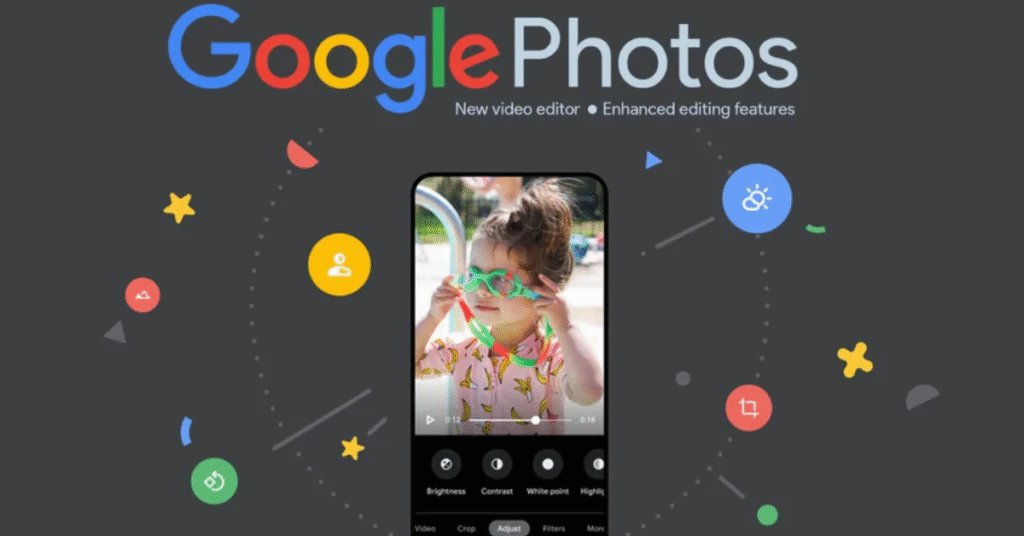
Both versions now boast a revised editor that is much faster and easier to navigate. The universal timeline now supports multi-clip editing and storytelling. Also, the adaptive canvas makes adjustments easier.
It provides a categorized music library where users can add soundtracks to their highlight videos. It is available for both Android and iOS.
Customize your video with text overlay, now available to Android users. The tool supports multiple font styles, colors, and backgrounds to give a personalized touch to your clips or add context.
The renewed editor is now the default video editor on Android. Open any video, tap edit, and see tool options such as trimming, adding music, and putting text on each clip. All of these updates are either available now or are rolling out now, which gives users more options to make personalized videos in Google Photos.