ISLAMABAD (Kashmir English): Easypaisa has introduced the NewGen Account for children and young people aged 12 to 17, allowing parents to open an Easypaisa account in their children’s name.
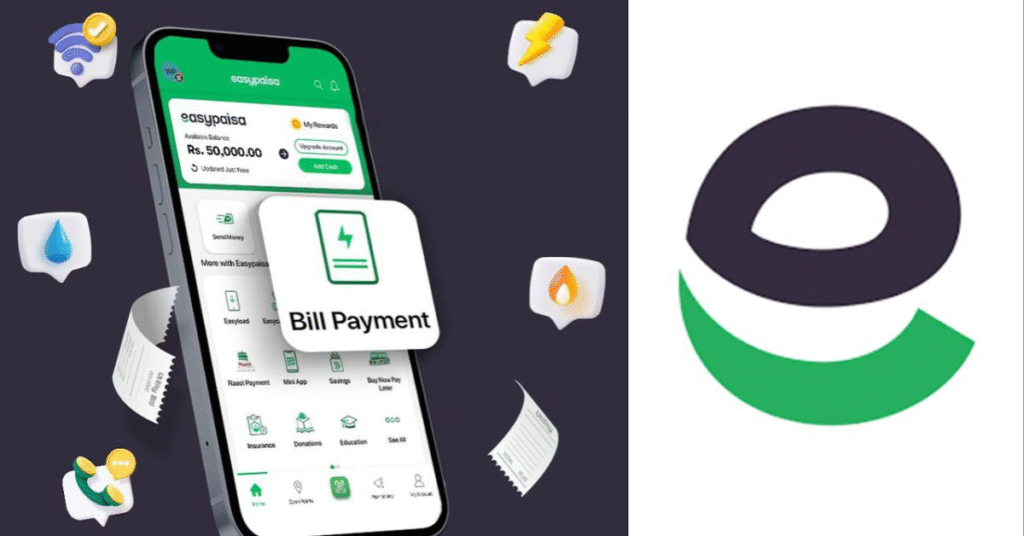
According to information available on Easypaisa‘s official website, the account is opened and managed initially through the parent’s Easypaisa app, while children can access digital financial services including money transfers, mobile load, savings and QR payments.
Parents can open the account by logging into the Easypaisa app and selecting the ‘Open NewGen Account’ option from the profile menu.
They will then be required to provide the child’s relevant information, including the mobile number, Form B or CNIC number and date of issue of the identification document.
A parent can open a maximum of two NewGen Accounts.
Once the account has been created, the child can log into the Easypaisa app and set a personal PIN to access the available services.
Facilities Available:
Through the NewGen Account, children can use services such as:
- Mobile load
- Money transfers
- Savings
- QR payments
According to Easypaisa, the initiative aims to familiarise young people with digital payments, money management and savings while giving them access to modern financial services under parental oversight.
What happens when the child turns 18?
According to Easypaisa, once a NewGen Account holder reaches the age of 18, they will need to update their account with their CNIC details.
After the identity information is updated, the account can be converted for use as a general user account.
The NewGen Account is aimed at helping parents introduce their children to digital financial services and basic money-management practices from an early age.