
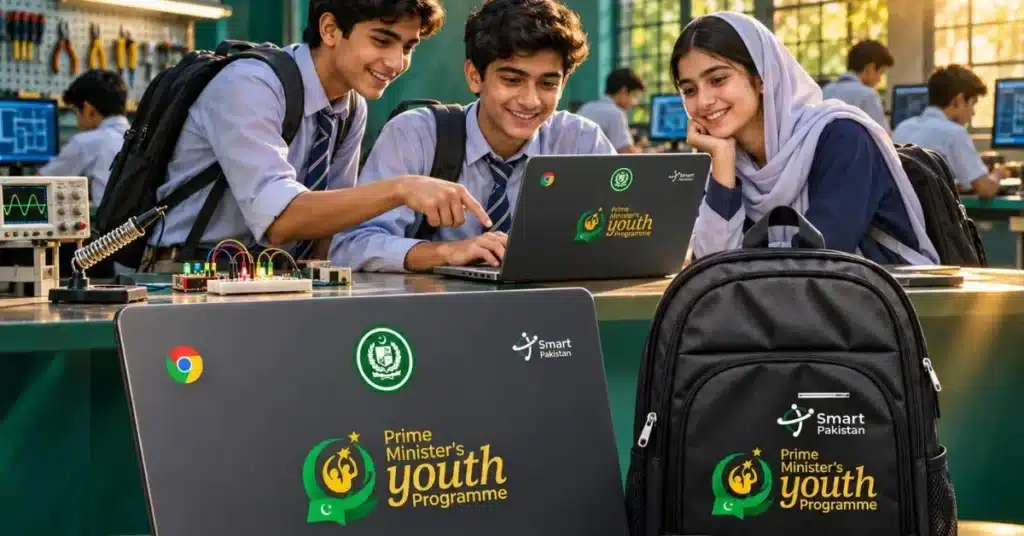
PBTE students made eligible for PM Chromebook Scheme

Share this post on :

LAHORE (Kashmir English): Punjab Board of Technical Education (PBTE) announced that Grade 9 (Matric Tech) students enrolled in its affiliated government technical and vocational institutions can apply for the Prime Minister’s Youth Chromebook Scheme.

In a statement shared on social media, the PBTE said that students with more than 50% marks are now eligible to apply for the Chromebook scheme.

“This opportunity supports access to digital learning and empowers technical education students with tools to enhance their educational journey,” it said.

According to the announced eligibility criteria for PBTE students, applicants must be enrolled in Grade 9 Matric Tech, studying at a government technical or vocational institution affiliated with PBTE, and have obtained more than 50% marks.


Who else is eligible for PM Youth Chromebook Scheme?

According to the eligibility criteria published on the scheme’s portal, students from government schools will be considered based on their academic performance.

In Punjab, Sindh, Khyber Pakhtunkhwa, and Balochistan, top-performing Grade 9 (SSC-I) students are eligible for consideration.

In Islamabad Capital Territory, Azad Jammu and Kashmir, and Gilgit-Baltistan, top-performing students from both Grade 9 and Grade 10 (SSC-II) can apply.

Students enrolled in private schools are not included in the currently published eligibility criteria.

How to Apply for the PM Youth Chromebook Scheme

Students can check their records and submit applications through the official website: https://pmychromebooks.ibcc.edu.pk

The application process involves the following steps:

  1. Open the official PM Youth Chromebook Scheme portal.

  2. Select your respective education board.

  3. Enter your CNIC or B-Form number, roll number, or registration number.

  4. Provide your date of birth as recorded in your official documents.

  5. Click on the “Find My Record” option.

  6. Check your academic details displayed on the screen.

  7. If your record is not found, try searching through another identification option.

  8. Once your record is verified, complete the remaining application requirements and upload the necessary documents.

Students should ensure that their information matches the records held by their respective education boards.

Applicants whose records are available on the portal need to prepare the following documents:

  • Recent colour photograph

  • SSC-I or SSC-II marks sheet, as applicable

  • Attested copy of CNIC or B-Form

  • Attested copy of father’s or guardian’s CNIC

The photograph must be uploaded in JPG or PNG format, while other documents can be submitted in JPG, PNG or PDF format.

Each file must be within the 300 KB size limit mentioned on the portal.

Scroll to Top