
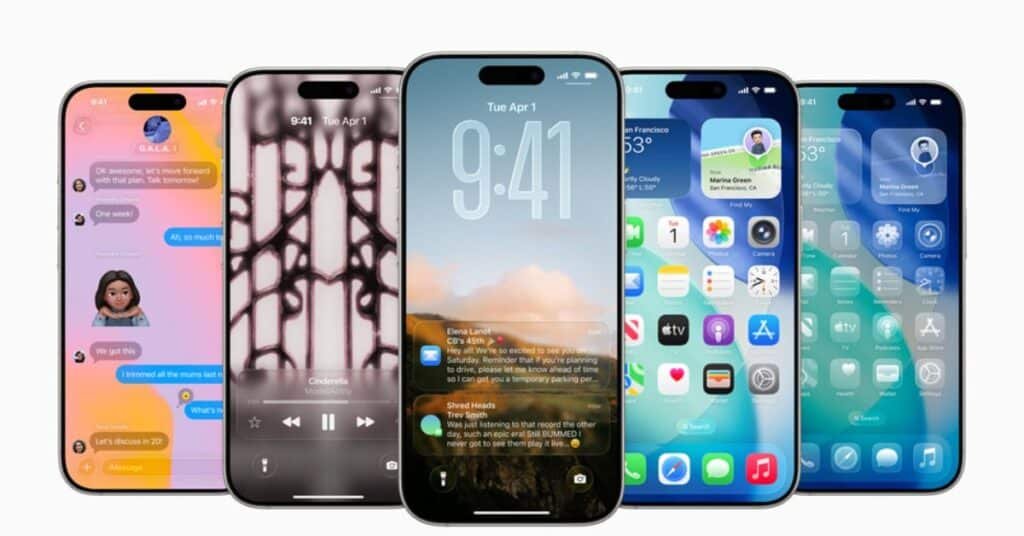
NEW YORK (Kashmir English): Apple has introduced several powerful and hidden features in iOS 26 that help iPhone users customize their privacy, settings, and make everyday tasks easier.
Some of these lesser-known features can significantly improve the way you use your phone.
To simplify messaging, users can now drag and drop text messages directly. Under this feature, you can select multiple messages at once and move them to Notes, Mail, and other documents apps, making information exchange more organized than ever before.
To customize the home screen, widgets that provide live updates can now be installed instead of app icons. In addition, users can also hide specific apps and entire pages to keep the home screen clean.
Apple Maps now has a Location History feature that keeps a record of the places you have visited. Users can review this history, delete it, or turn off tracking completely to maintain privacy.
The Lock screen can now replace the traditional shortcuts for the flashlight and camera with controls for your favorite apps for faster access to frequently used features.
In addition, back tap gestures can be used to perform tasks such as taking a screenshot or opening specific apps by tapping the back of the iPhone 2 or 3 times.
For quick help during daily tasks, cooking, or exercising, the Control Center has been provided with the ability to add a Quick Timer. To further secure privacy, the location metadata present in photos can be removed before sharing them so that your personal information is protected.
Finally, a sleep timer for media is provided within the Clock app. This feature automatically turns off music or podcasts after a specified time, stopping media from playing in the background overnight.