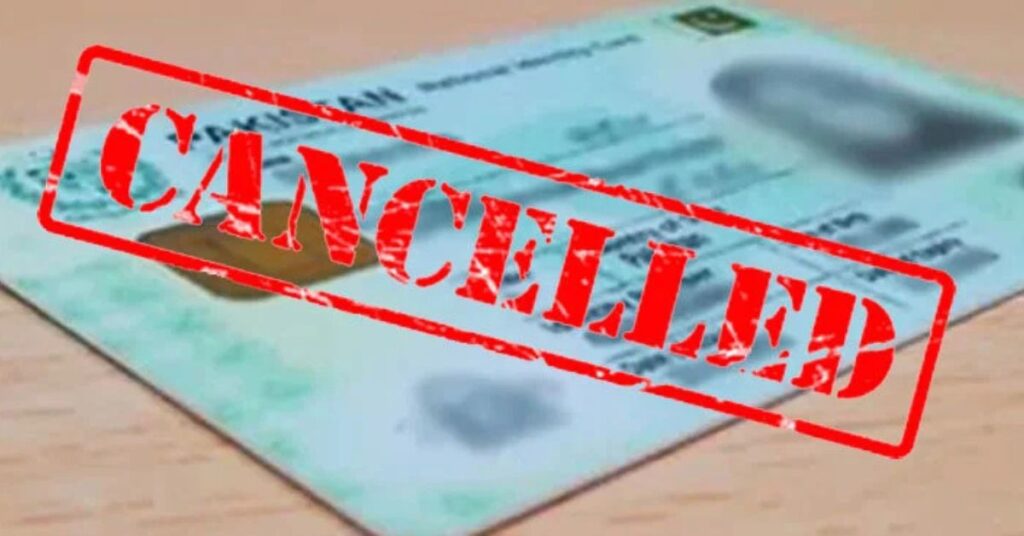
ISLAMABAD (Kashmir English): The National Database and Registration Authority (NADRA) has simplified the process for cancelling the Computerized National Identity Card (CNIC) of a deceased family member, allowing citizens to complete the procedure conveniently through the PakID mobile application or the NADRA website.
According to the authority, the identity card of a deceased person can be cancelled free of charge by his blood relatives, including son, daughter, spouse, parents, sisters, or brothers.
One can also get the CNIC cancelled by visiting any NADRA Registration Centre (NRC).
NADRA issues a ‘Cancellation Certificate’ when an individual’s identity card is formally cancelled due to death.
As per the law, it is the responsibility of the concerned family member to initiate the cancellation process within 60 days of the death.
Required Documents
Verified Computerized Death Certificate issued by the Union Council, Municipal Committee, Cantonment Board, or a foreign death certificate, where applicable.
Citizens can apply for the Cancellation Certificate (CC) through the NADRA PakID App.
Where the deceased head of a household don’t have a PakID account, NADRA clarified that the cancellation request can be made using the PakID account of the deceased’s daughters or siblings.
NADRA further explained that any blood relative—such as parents, siblings, spouse, or children—can submit the CNIC cancellation application due to death through their own PakID account.
Cancellation of CNICs
NADRA has urged citizens to ensure timely cancellation of CNICs of deceased family members, stressing that it is a legal requirement. Failure to do so may create difficulties for surviving family members when processing their own identity documents.
NADRA has also advised people to have any errors in death registration corrected through the relevant union council before applying for cancellation.